macOS menu bar app

Your notes,
always within reach

A tiny native macOS app that puts your Obsidian notes folder right in the menu bar. Edit markdown, track time on todos, and get back to work. No friction.

Get started View on GitHub
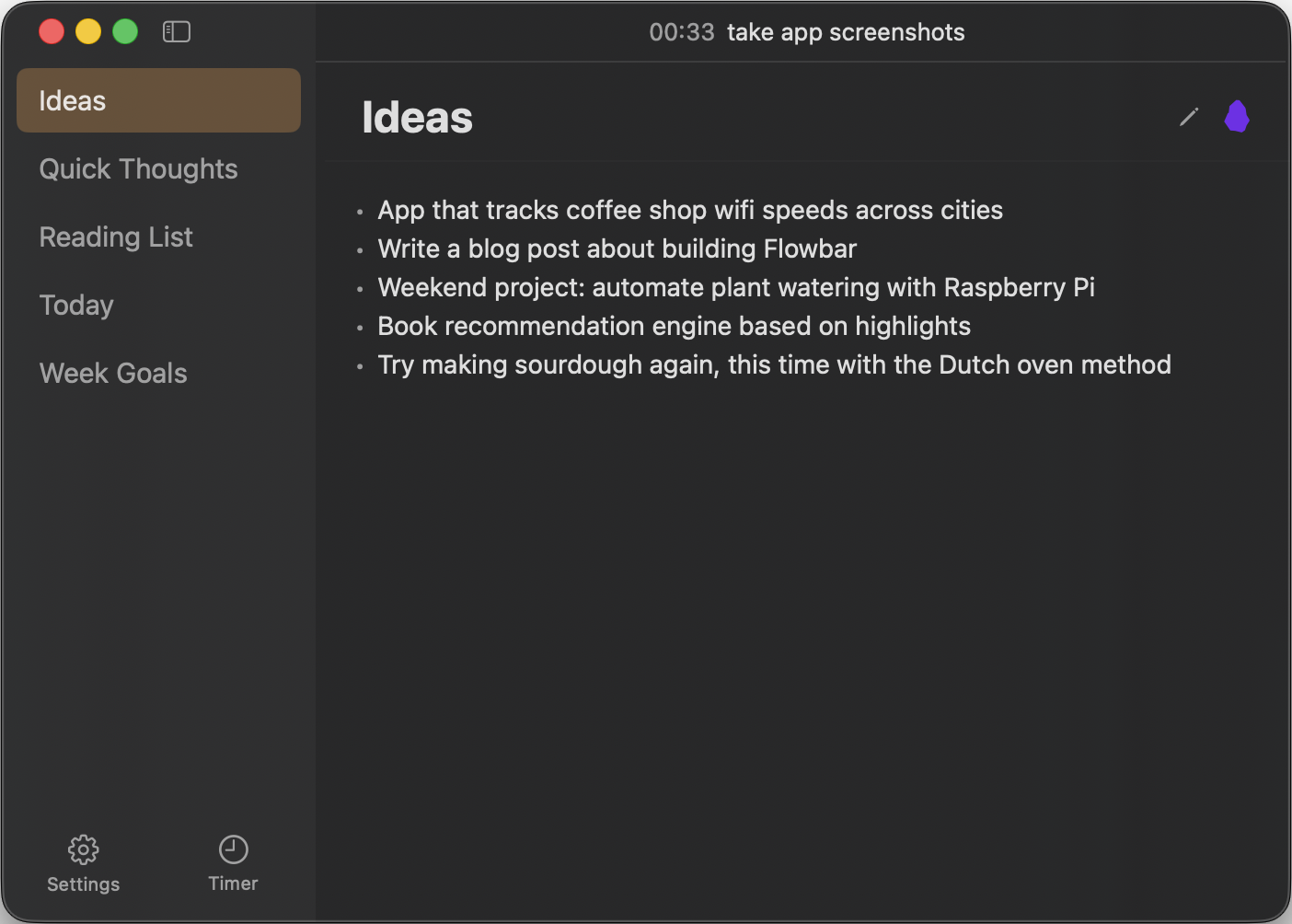
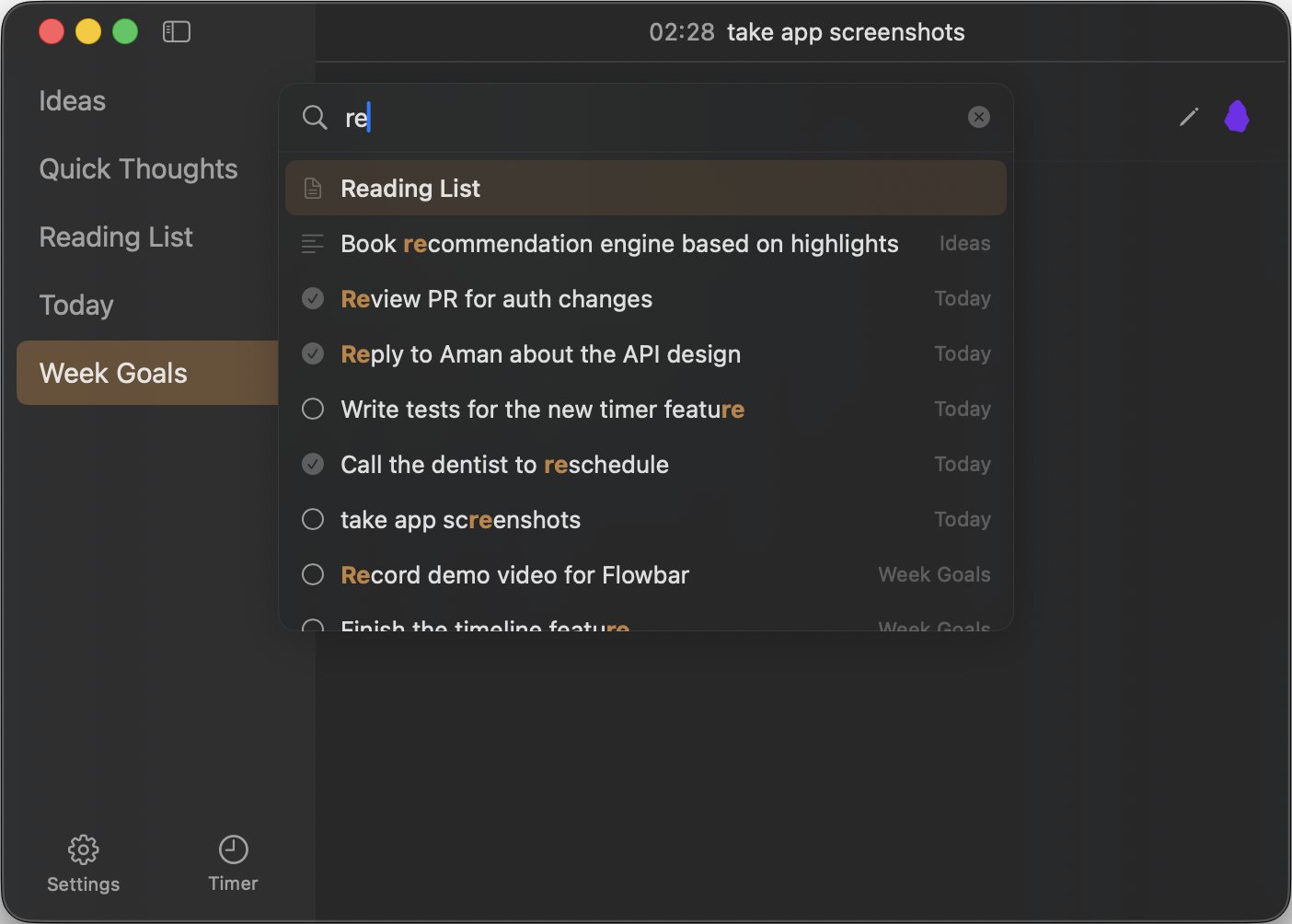
Screenshot: Main view — sidebar + markdown editor, dark theme
Dark mode with glassmorphic background

What it does

Everything you need, nothing you don't.

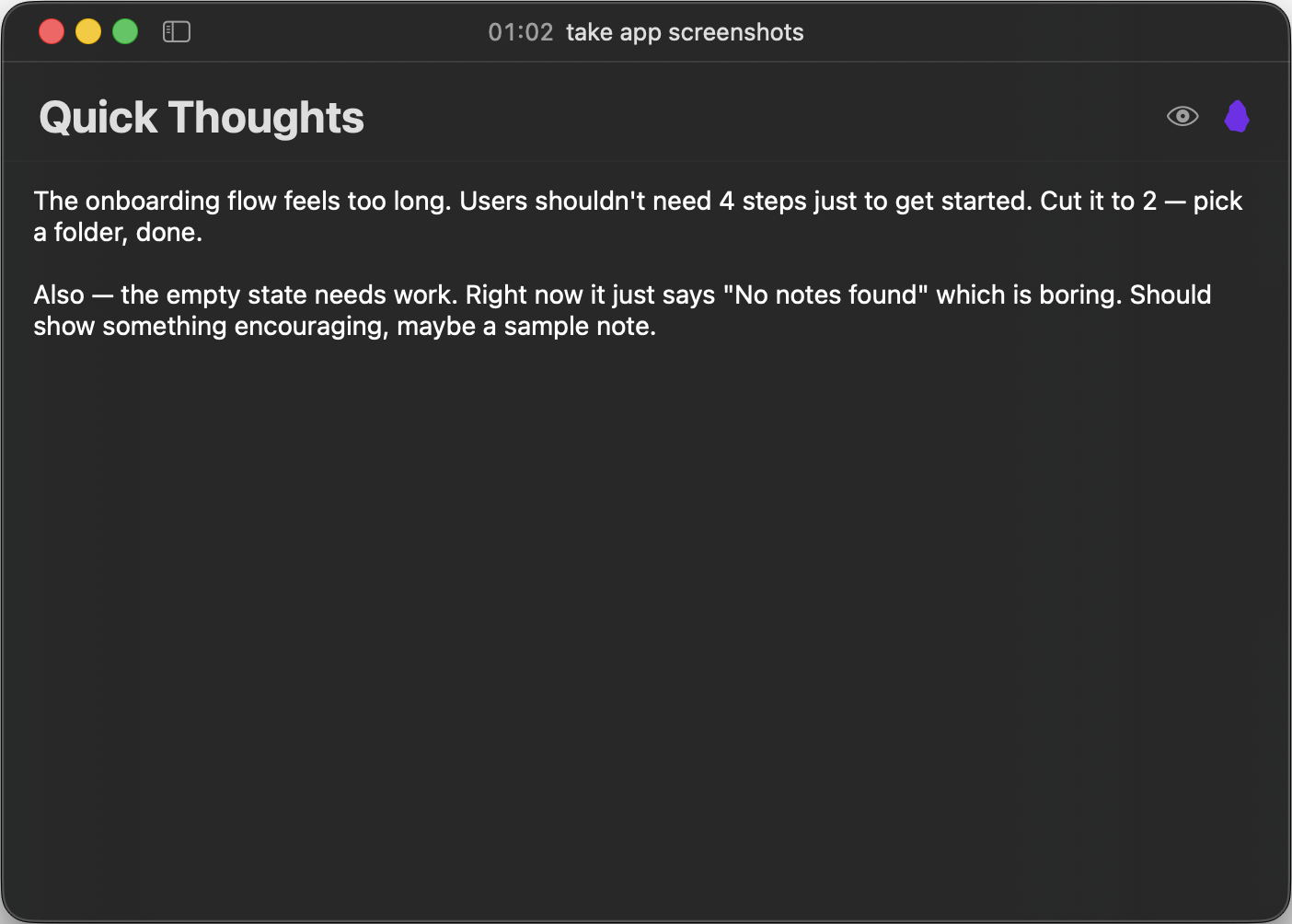
Raw markdown editing

Click a file, edit it. Auto-saves with debounce. No fancy rendering — Obsidian's right there if you need it.

Timer & todos

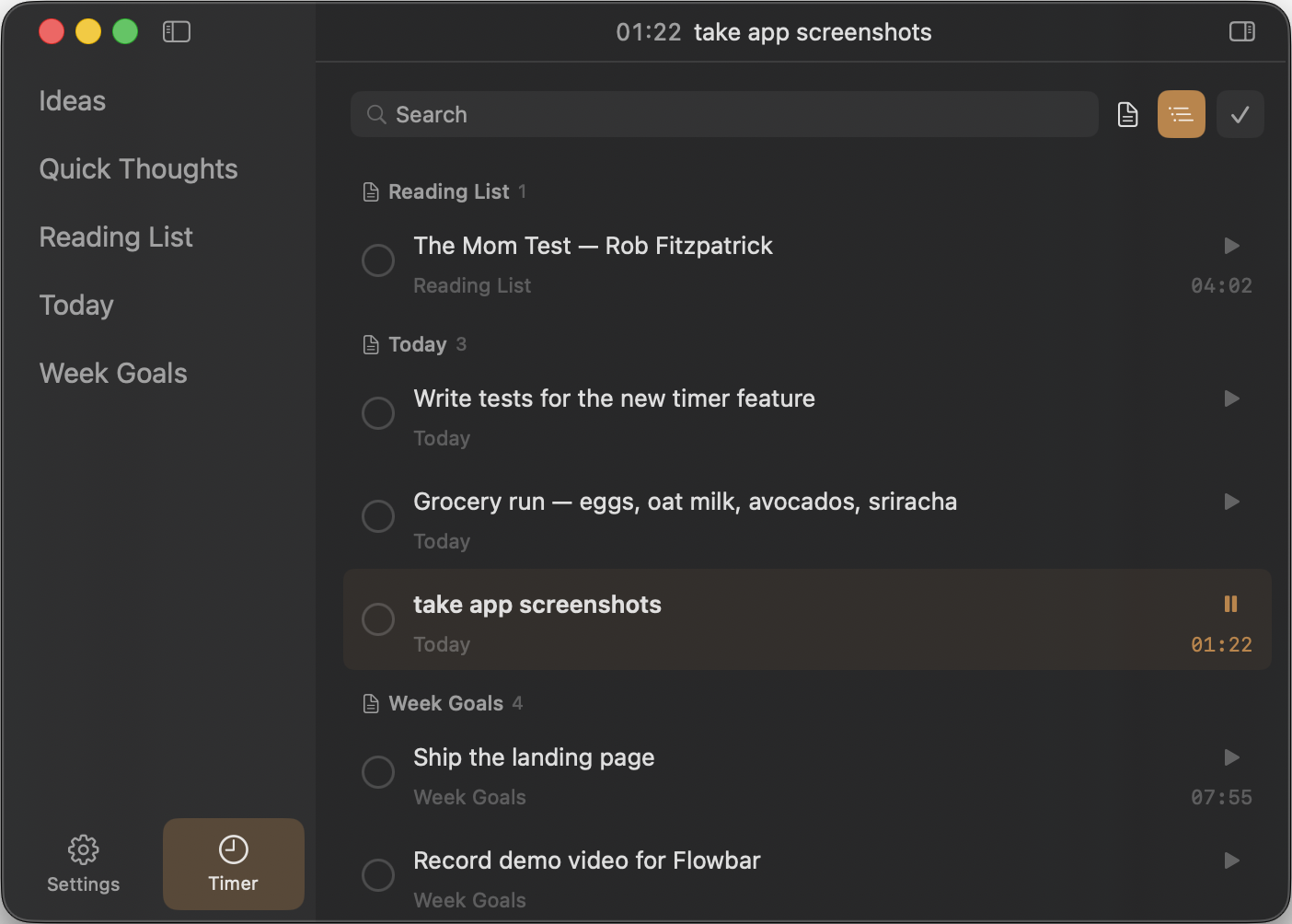
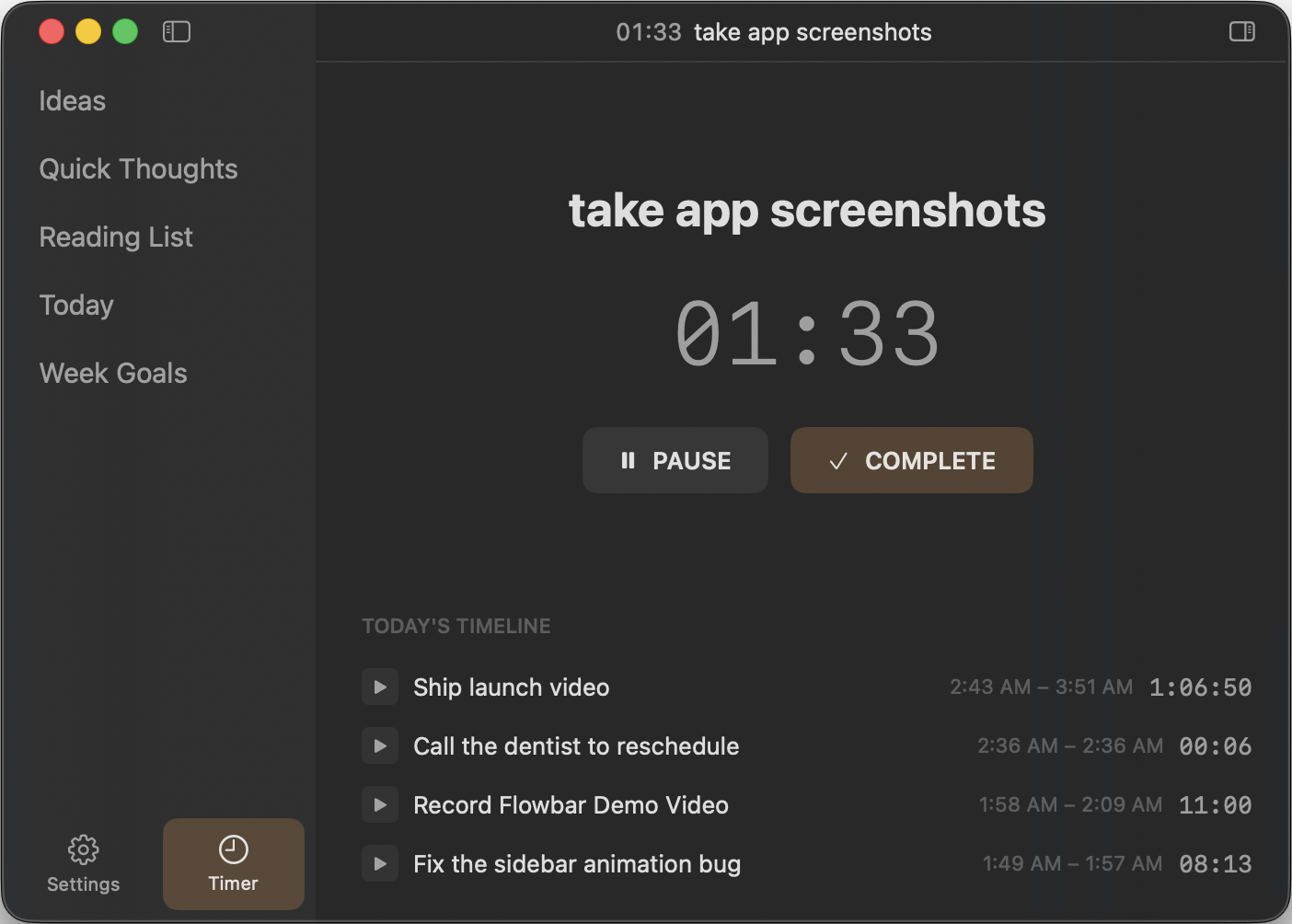
Stopwatch tracks time on any todo from any file. Pause, resume, complete. All persisted in SQLite.

Keyboard-first

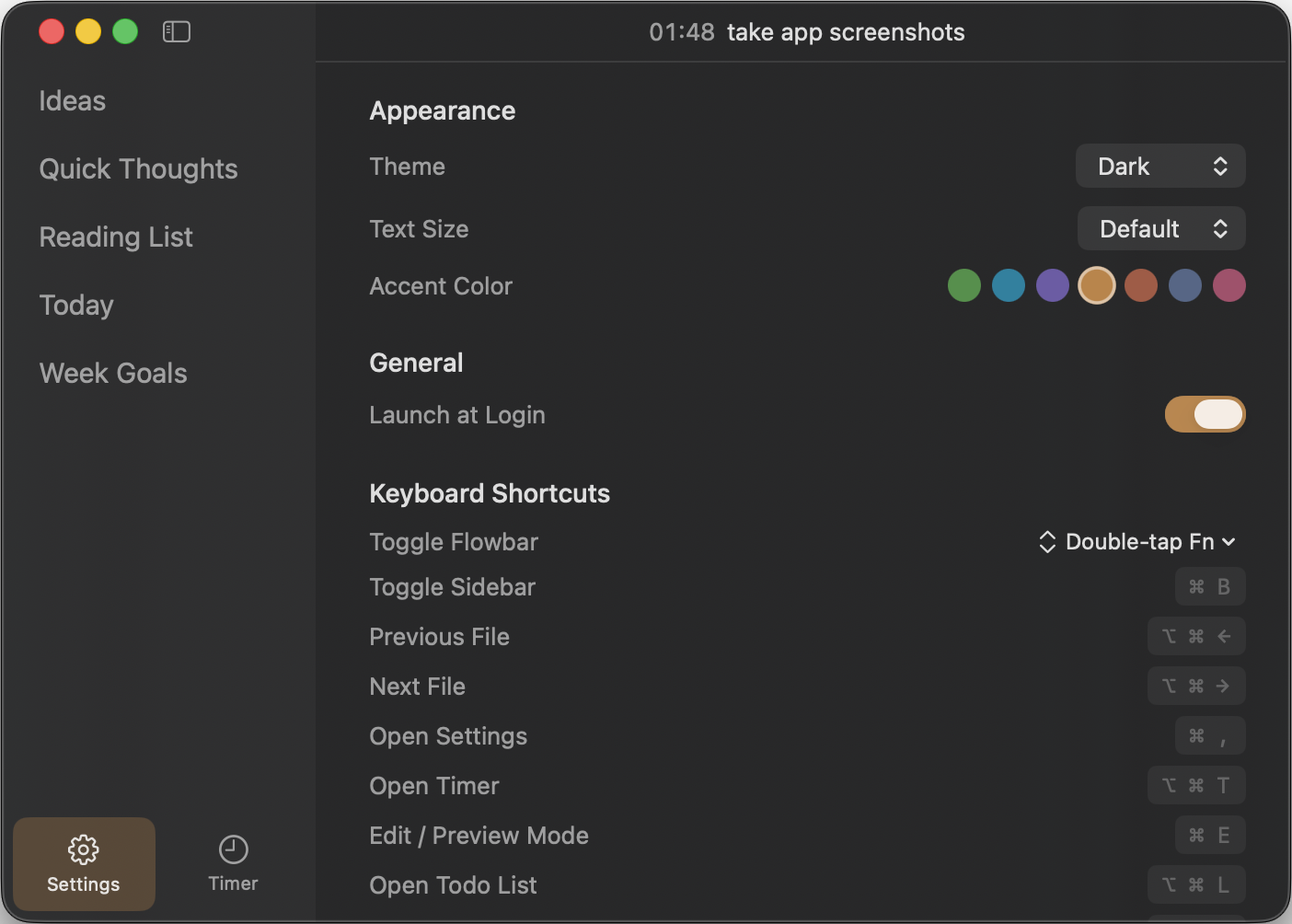
Double-tap Fn from anywhere. Cmd+B toggles sidebar. Close the popover, it's gone.

Obsidian integration

One click opens the current note in Obsidian. Edits sync both ways via file watching.

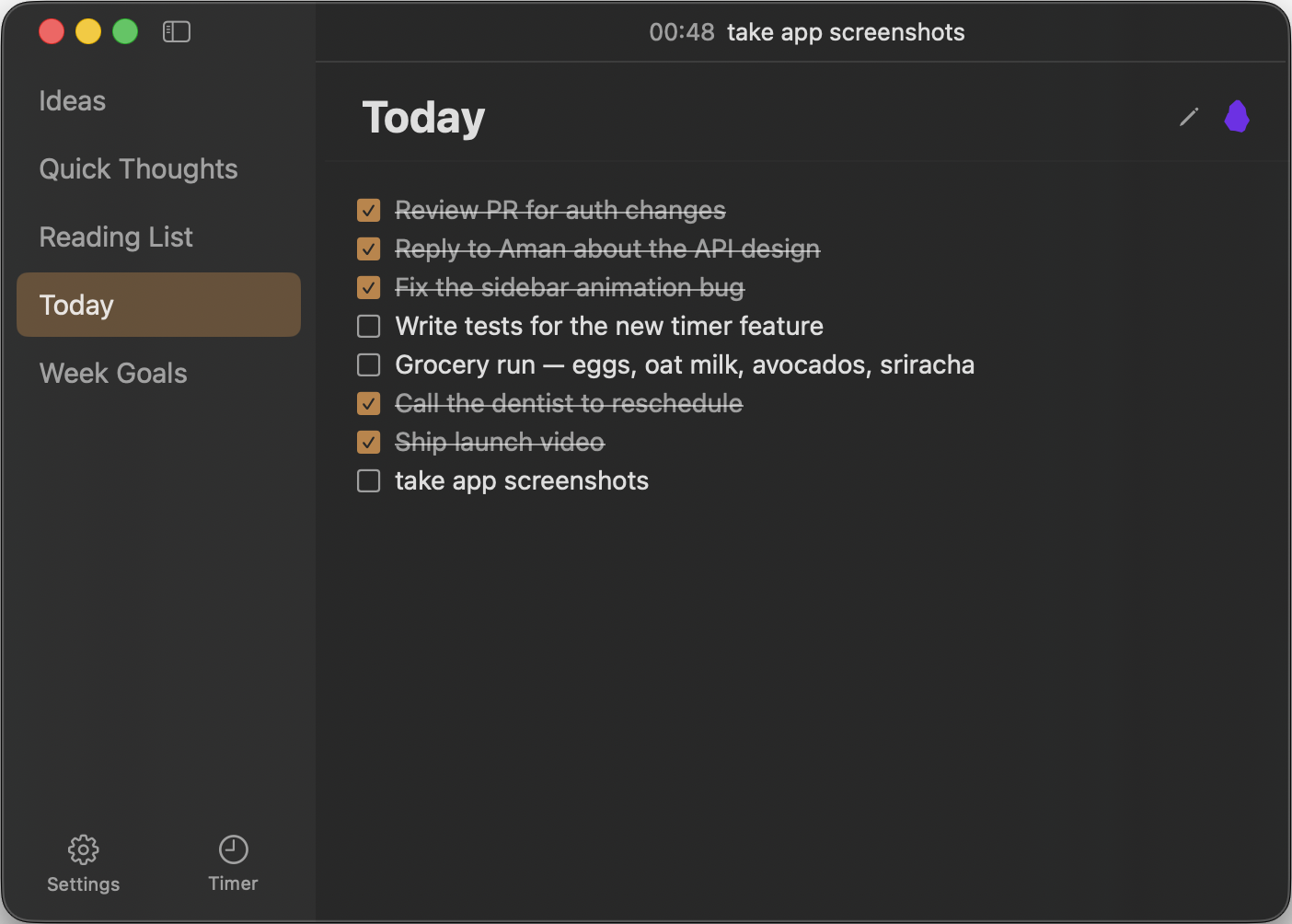
Screenshot: Timer todos — all todos from all files, play buttons, time tracking
Todos pulled from every markdown file, with time tracking
Screenshot: Light theme — same earthy palette, adapted for bright backgrounds
Light mode, same earthy vibe
Screenshot: Settings — folder path, appearance, typography, shortcuts
Custom sage-green segmented controls, no system blue
Screenshot: Menu bar popover — anchored under the sparkle icon
Popover drops right from the menu bar

Get started

Build from source. No dependencies, no signing required.

# Clone and build
git clone https://github.com/your-username/flowbar.git
cd flowbar/Flowbar

# Generate Xcode project (needs xcodegen: brew install xcodegen)
xcodegen generate

# Build
xcodebuild -project Flowbar.xcodeproj -scheme Flowbar -configuration Debug build

# Run
open ~/Library/Developer/Xcode/DerivedData/Flowbar-*/Build/Products/Debug/Flowbar.app

Requires Xcode 16+ and macOS 14+. Or just open Flowbar.xcodeproj in Xcode and hit Run.

How it's built

Native Swift + SwiftUI + AppKit. No dependencies. 21 source files.

App/
  • FlowbarApp.swift
  • AppDelegate.swift
  • AppState.swift
Models/
  • NoteFile.swift
  • TodoItem.swift
Services/
  • DatabaseService.swift
  • FileWatcher.swift
  • MarkdownParser.swift
  • TimerService.swift
Theme/
  • Colors.swift
  • Typography.swift
Views/
  • MainView.swift
  • SidebarView.swift
  • NoteContentView.swift
  • SettingsView.swift
  • SidebarFooter.swift
  • TodoRow.swift
  • TimerContainerView.swift
  • TimerHomeView.swift
  • TimerTodosView.swift
Window/
  • PopoverManager.swift
  • FloatingPanel.swift

Want to understand the code? Check out the interactive Swift learning guide — every file annotated with Swift concept explanations.